
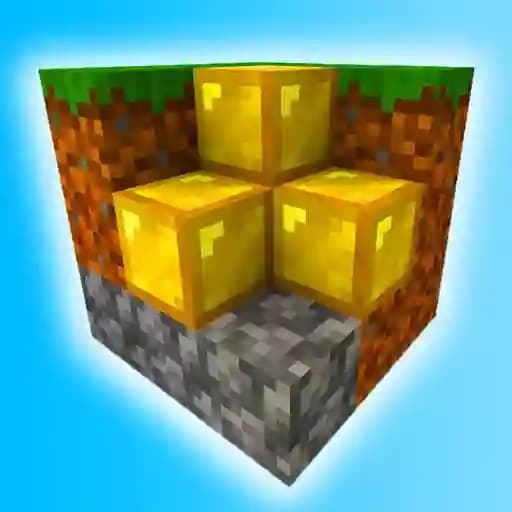
Game Overview
What is WorldCraft 3?
WorldCraft 3 is a survival challenge game set in a pixel world where players must prepare for every situation. Inspired by the Minecraft genre, it offers a unique blend of exploration, crafting, and dynamic gameplay. Players can fly using the 'F' key, explode blocks with grenades, and collect items to manage their inventory. The game features a weather system, seasonal effects, and a forest world to explore, making it a engaging experience for fans of pixel-based survival games.
Game Features
• Inventory System: Collect and manage items essential for survival and building.
• Grenade Mechanics: Use grenades to explode blocks and shape the world around you.
• Flight Mode: Soar through the pixel skies with the press of a button.
• Weather and Seasons: Experience dynamic weather conditions and seasonal changes.
• Forest World: Explore vast forest environments with diverse terrain.
• New Block Textures: Updated visuals for blocks, enhancing the game's aesthetic appeal.
How to Play WorldCraft 3?
- Movement: Use the W, A, S, D keys to move around the world.
- Break Blocks: Click the left mouse button to break blocks and collect resources.
- Build Structures: Use the right mouse button to place blocks and construct buildings.
- Fly: Press the F key to toggle flight mode.
- Access Inventory: Open your inventory by pressing the Tab key.
- Select Items: Use the number keys (1-9, 0) to switch between items in your inventory.
- Return to Menu: Press the Escape key to exit the game and return to the main menu.
Frequently Asked Questions
What is the main objective of WorldCraft 3?
The main objective is to survive in a pixel world by gathering resources, building structures, and exploring the environment.
How do I fly in the game?
You can toggle flight mode by pressing the F key, allowing you to soar through the world.
Is there a creative mode in WorldCraft 3?
No, the game focuses on survival and exploration rather than creative building.