
Game Overview
What is Physics Box 2?
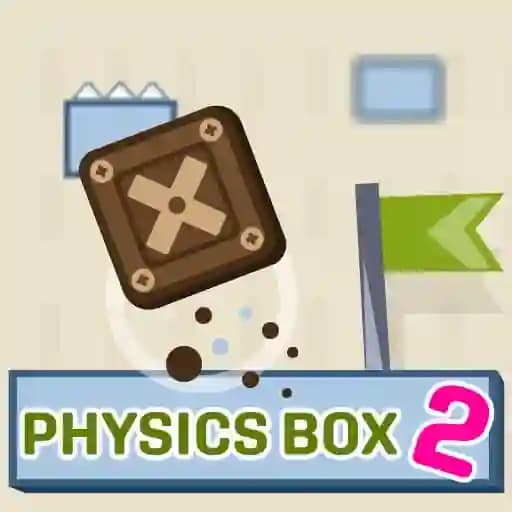
Physics Box 2 is a fun and challenging physics-based game designed for players of all ages. With 45 levels to complete, the game offers a mix of simplicity and complexity, making it easy to pick up but difficult to master. Players must navigate a box through increasingly tricky levels by using impulses to move it. The game includes obstacles like sawtooth traps and laser gates, requiring strategic thinking to overcome. It’s a casual yet engaging experience that challenges players to solve physics-based puzzles.
Game Features
• 45 Levels: Progress through progressively challenging levels.
• Impulse Mechanics: Tap or click to shoot an impulse, moving the box.
• Physics Simulation: Realistic physics govern the box's movement.
• Tricky Obstacles: Avoid sawtooth traps, laser gates, and other hazards.
• Button-Activated Gates: Use the box to activate buttons and open paths.
• Invincibility Mechanics: Make the box invincible to pass through laser gates.
• Diverse Challenges: Each level offers unique puzzles and scenarios.
How to Play Physics Box 2?
- Aim Your Impulse: Look at the box and decide where to shoot the impulse.
- Tap or Click: Tap or click on the screen to shoot an impulse in that direction.
- Adjust as Needed: Shoot multiple impulses to guide the box through the level.
- Activate Buttons: Push the box onto buttons to open gates or activate mechanisms.
- Avoid Obstacles: Steer the box away from sawtooth traps and laser gates.
- Make It Invincible: Activate invincibility when needed to pass through laser gates.
Frequently Asked Questions
What do I do if the box gets stuck?
If the box gets stuck, shoot an impulse in the opposite direction to free it, or try shooting multiple impulses to maneuver it out.
How do I activate gates?
Press the box against buttons on the floor or walls. This will trigger the gates to open, allowing the box to pass through.
Can I make the box invincible?
Yes! At certain points, you can make the box invincible, allowing it to pass through laser gates safely. Look for in-game indicators to activate this feature.