
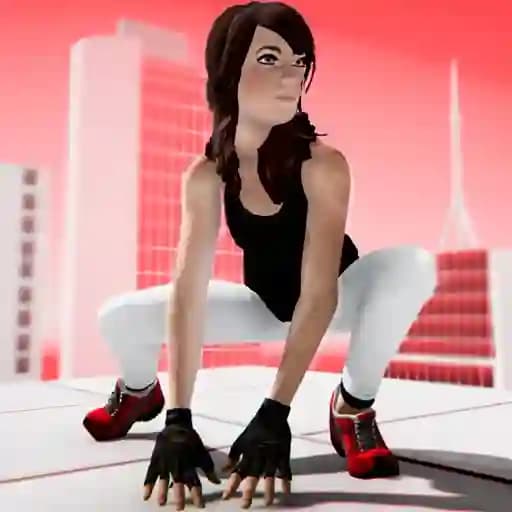
Game Overview
What is Parkour GO?
Parkour GO is a 3D parkour game developed by Rassl.me where players navigate elaborate obstacle courses using acrobatic skills. The game challenges your free-running abilities with elaborate levels and multiple zones to explore. Whether you're racing to the finish line or practicing tricks in free roam zones, Parkour GO offers a thrilling experience that tests your agility and reflexes.
Game Features
• 3D graphics with detailed environments and smooth animations.
• Switch between 3rd person and 1st person views for a different gaming perspective.
• Multiple zones where you can practice tricks and explore freely.
• Checkpoint-based courses that require precision and speed.
• Various movement mechanics, including jumping, sprinting, sliding, and scaling.
How to Play Parkour GO?
- Start the game and choose your preferred game mode: free roam or checkpoint-based courses.
- Use WASD keys to move your character forward, backward, left, or right.
- Press the spacebar to jump over obstacles or onto higher platforms.
- Slide by pressing the C key to navigate under low obstacles or regain balance.
- Switch between 3rd person and 1st person views using the V key for a better perspective.
- Pause the game anytime by pressing the ESC key to take a break or adjust your strategy.
Frequently Asked Questions
What are the basic controls for Parkour GO?
- Move: WASD keys
- Jump: Spacebar
- Slide: C key
- Switch view: V key
- Pause: ESC key
Can I switch between first-person and third-person views during gameplay?
Yes, you can switch views at any time by pressing the V key.
What types of zones are available in Parkour GO?
There are freeroam zones for practicing tricks and exploring, as well as checkpoint courses where you follow a set path to the finish line.