
Game Overview
What is Mini Arrows?
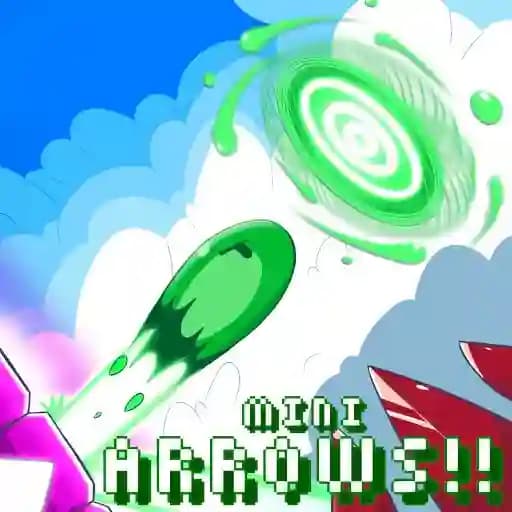
Mini Arrows is a retro-style platformer where you guide a blob character to his goal. By turning on and off arrow blocks on the level, you change the direction and actions of the character. Use the arrows wisely to move your character through challenging levels. The game features 27 levels, a speedrun mode, retro-style graphics, and addictive music, making it a fun and engaging experience for players.
Game Features
• 27 levels to explore and complete
• Speedrun mode for competitive play
• Retro-style graphics with a pixelart aesthetic
• Addictive music to enhance gameplay
• Simple yet strategic controls for both desktop and mobile play
How to Play Mini Arrows?
- Control the blob character: Use arrow keys or mouse/touch controls to move the character.
- Switch arrow block states: Press X, Space, or Left Click (desktop) or Tap (mobile) to toggle arrow blocks on and off.
- Use arrows strategically: Activate or deactivate arrows to change the direction of your character or other game elements.
- Reach the goal: Navigate through the level using the arrows to guide your character to the endpoint.
Frequently Asked Questions
What type of game is Mini Arrows?
Mini Arrows is a retro-style platformer with puzzle elements, where you control a blob character and use arrow blocks to navigate through levels.
How do I switch the state of the arrows?
On desktop, press X, Space, or Left Click. On mobile, simply touch the arrows to toggle their state.
How many levels does the game have?
Mini Arrows features 27 levels, providing plenty of challenges and opportunities to test your skills.