
Game Overview
What is Christmas Blocks?
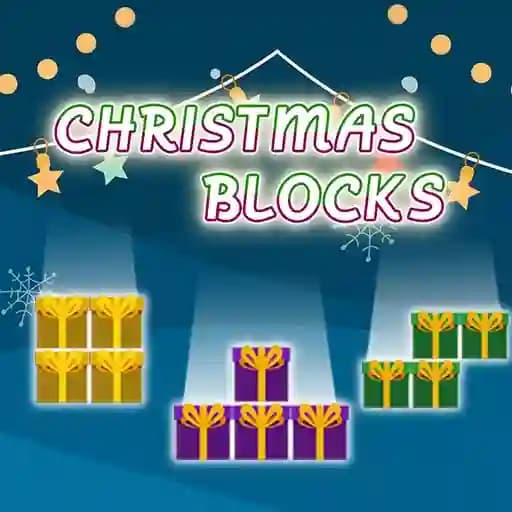
Christmas Blocks is an arcade puzzle game inspired by the classic Tetris. Players must place falling blocks in empty spaces to form complete lines, which are then destroyed to earn points. The game features colorful and festive graphics with exciting animations, all centered around a Christmas theme. The goal is to accumulate as many points as possible by creating combos through consecutive line clears. Perfect for players looking to enjoy the Christmas spirit with a fun and challenging puzzle experience.
Game Features
• Christmas-themed graphics and animations for a festive experience
• Arcade-style gameplay with falling blocks and line-clearing mechanics
• Combo system for chain reactions and higher scores
• Responsive controls for both desktop and mobile play
• 简单易学但难以精通的 механика
How to Play Christmas Blocks?
-
Desktop Controls:
- Left and Right Arrows: Move the block left or right
- Up Arrow or X: Rotate the block clockwise
- Z: Rotate the block counter-clockwise
- Down Arrow: Move the block down faster
- Space Bar: Drop and lock the block in place
- Control: Swap the current block with the next one
- P: Pause the game
-
Mobile Controls:
- Use the on-screen touch buttons to control the block's movement and rotation.
-
Objective:
- Place the blocks to form complete lines.
- Clear multiple lines in a row to create combos and earn more points.
- Keep the game going as long as possible by avoiding stacking blocks to the top of the screen.
-
Scoring:
- Earn points for each line cleared.
- Bonus points for clearing multiple lines at once and creating combos.
Frequently Asked Questions
What are the main objectives of Christmas Blocks?
The primary goal is to clear as many lines as possible by forming complete rows with falling blocks. Earn points by clearing lines and create combos for higher scores.
How do I rotate blocks?
On desktop, use the Up Arrow or X to rotate clockwise, and Z to rotate counter-clockwise. On mobile, use the on-screen rotation buttons.
Can I pause the game?
Yes! Press P on desktop or use the pause button on mobile to pause the game at any time.