
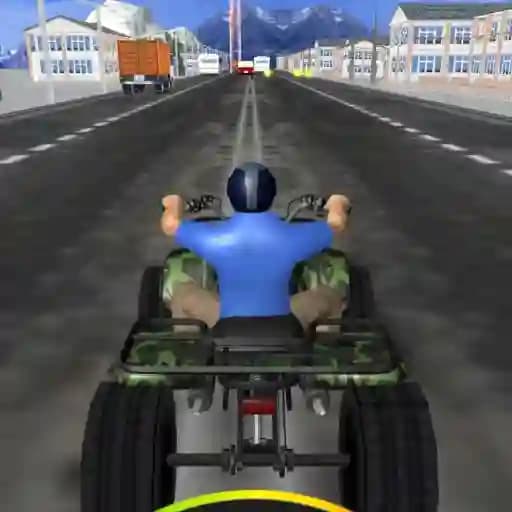
Game Overview
What is ATV Traffic?
ATV Traffic is an exciting racing game where players control an all-terrain vehicle (ATV) through various environments while navigating traffic. The game offers 3 different ATV models and 4 unique environments to explore, providing a diverse and engaging experience. Players can choose from 3 game modes: Time, Endless, and Fuel, each offering a distinct challenge and gameplay style.
Game Features
• 3 ATV Models: Choose your favorite ATV and customize your racing experience.
• 4 Environments: Race through diverse and visually stunning settings.
• 3 Game Modes:
- Time Mode: Race against the clock to complete laps as quickly as possible.
- Endless Mode: Drive continuously without time constraints, focusing on avoiding traffic and maintaining speed.
- Fuel Mode: Manage your fuel supply while racing, adding an extra layer of strategy.
How to Play ATV Traffic?
- Change Direction: Use the A and D keys or the left and right arrow keys to steer your ATV.
- Activate Nitro: Press the W key or the up arrow key to use nitro for a speed boost.
- Brake: Use the S key or the down arrow key to slow down and avoid collisions.
- Pause Game: Press the Tab key to pause the game and take a break.
Frequently Asked Questions
What are the different game modes in ATV Traffic?
ATV Traffic offers three game modes: Time Mode, Endless Mode, and Fuel Mode, each with unique objectives and challenges.
Can I customize my ATV?
Yes, the game features 3 ATV models that you can choose from, allowing you to select the vehicle that suits your driving style.
How do I pause the game?
You can pause the game at any time by pressing the Tab key.