
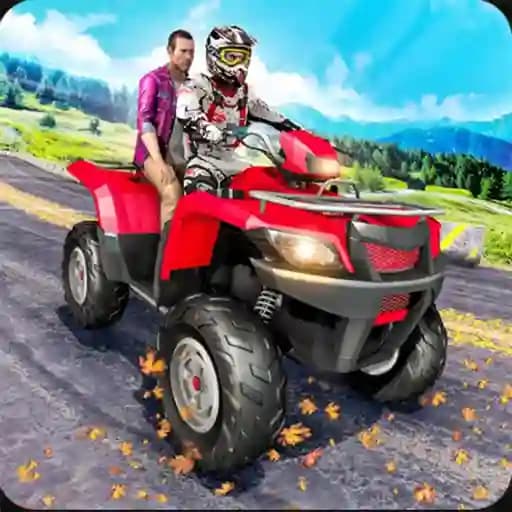
Game Overview
What is Quad Bike Traffic Racing Mania?
Quad Bike Traffic Racing Mania is an adrenaline-packed ATV bike racing game where players take on the role of a professional ATV rider. The game is set on extreme highway traffic roads, offering a thrilling experience with blazingly fast speeds and intense competition. Riders can smash opponents, avoid traffic vehicles, and use nitro effects to leave rivals behind. This game is perfect for fans of motorcycle simulators and racing games, providing a mix of asphalt tracks and off-road challenges.
Game Features
• Multiple Vehicles: Choose from a variety of powerful ATV bikes, including the Quad Bike, Stunt Bike, and Light Bike.
• Realistic Physics: Experience a quad bike crash simulator with authentic stunt bike physics.
• Traffic Challenges: Navigate through dense traffic on two-way roads while avoiding collisions.
• Nitro Boosts: Use nitro effects to gain speed and outpace competitors.
• Immersive Controls: Enjoy intuitive off-road and on-road controls for a realistic driving experience.
• Competitive Races: Compete against other ATV riders and prove your skills in high-speed races.
How to Play Quad Bike Traffic Racing Mania?
- Start the Game: Launch Quad Bike Traffic Racing Mania and select your preferred ATV bike.
- Accelerate: Use the Up Arrow key to speed up and gain momentum.
- Brake: Tap the Down Arrow key to slow down and avoid collisions with traffic vehicles.
- Steer: Use the Left and Right Arrow keys to navigate through traffic and stay on course.
- Avoid Traffic: Make sure not to hit any traffic vehicles, as collisions may result in losing the game.
- Use Nitro: Activate nitro boosts to gain a temporary speed advantage over opponents.
- Win Races: Reach the finish line before other riders to win and progress through levels.
Frequently Asked Questions
What are the controls for the game?
The game uses keyboard arrow keys for controls: Up Arrow to accelerate, Down Arrow to brake, and Left/Right Arrows to steer.
How do I avoid traffic vehicles?
Use careful steering and braking to navigate through traffic without hitting any vehicles. Collisions will result in losing the game.
What is the purpose of nitro effects in the game?
Nitro effects provide a temporary speed boost, helping you overtake opponents and maintain a lead in races.