
Game Overview
What is Night City Racing?
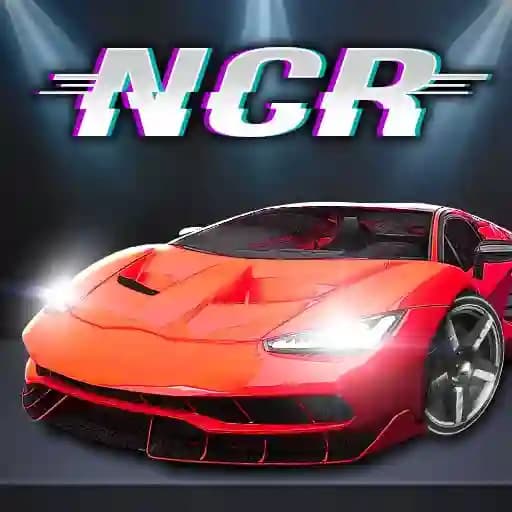
Night City Racing is a super realistic and fantastic car driving simulator that offers an exhilarating adventure in the heart of a vibrant city. Players can choose from 10 super-sport cars, each customizable on both the engine and visual sides. The game supports both 1 player and 2 player game modes, allowing you to race against CPU opponents or challenge a friend. With 16 races and 5 challenge races, Night City Racing delivers a thrilling experience for racing enthusiasts.
Game Features
- 10 super-sport cars with engine and visual customization options
- 1 player mode to race against CPU opponents
- 2 player mode for competitive racing with friends
- 16 races with unique tracks and challenges
- 5 special challenge races to test your skills
- 3D graphics and realistic driving mechanics
- Customizable camera views for an immersive experience
How to Play Night City Racing?
-
Single Player Mode Controls:
- Move: W, A, S, D or Arrow Keys
- NOS: L-SHIFT or R-SHIFT
- Restart car position: R
- Look back: T
- Change camera view: C
-
Two Player Mode Controls:
- Player 1 Controls:
- Move: Arrow Keys
- NOS: M
- Restart car position: O
- Look back: P
- Change camera view: K
- Player 2 Controls:
- Move: W, A, S, D
- NOS: L-SHIFT
- Restart car position: R
- Look back: T
- Change camera view: C
- Player 1 Controls:
Frequently Asked Questions
What game modes are available in Night City Racing?
Night City Racing offers both single-player and two-player modes, allowing you to race against CPU opponents or a friend.
Can I customize my car?
Yes, you can customize your car on both the engine and visual sides, giving you a personalized racing experience.
How do I change the camera view?
In single-player mode, press C to change the camera view. In two-player mode, Player 1 uses K, and Player 2 uses C to switch camera views.