
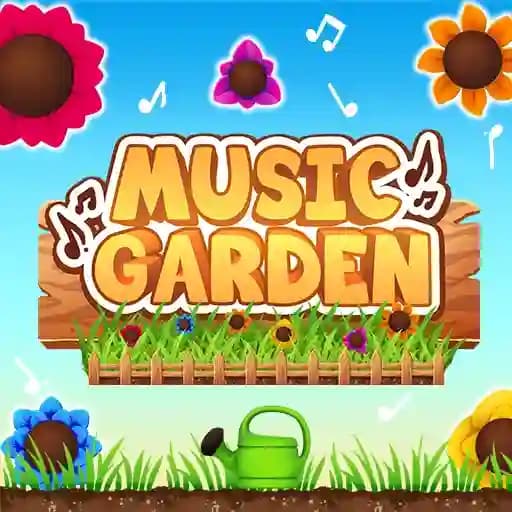
Game Overview
What is Music Garden?
Music Garden is an interactive music game where you can create, arrange, and mix your own music in a vibrant, colorful garden setting. By dragging flowers into your garden, you become a natural music producer. The game is designed to be intuitive, so no music expertise is required. Simply try it out and let your creativity grow naturally!
Game Features
• Create Music: Drag flowers into your garden to generate unique sounds and beats.
• Mute/Unmute: Click on flowers to toggle their audio on or off.
• Effects: Drag and hold items to apply special effects that enhance your music.
• Visual Appeal: A colorful and immersive garden environment to inspire creativity.
How to Play Music Garden?
- Start by dragging flowers into your garden to begin creating music.
- Click on flowers to mute or unmute them, allowing you to fine-tune your composition.
- Experiment with effects: Drag and hold items to add special effects to your sounds.
- Play and adjust your music arrangement until you're satisfied with the result.
Frequently Asked Questions
How do I create music in Music Garden?
You create music by dragging flowers into your garden. Each flower adds a unique sound or beat to your composition.
Can I adjust the music once it's created?
Yes! You can mute or unmute individual flowers by clicking on them, and you can add effects by dragging and holding items.
Do I need to be a music expert to play Music Garden?
No! Music Garden is designed to be intuitive and accessible to everyone, regardless of musical knowledge. Just experiment and have fun!