
Game Overview
What is GYM Toss?
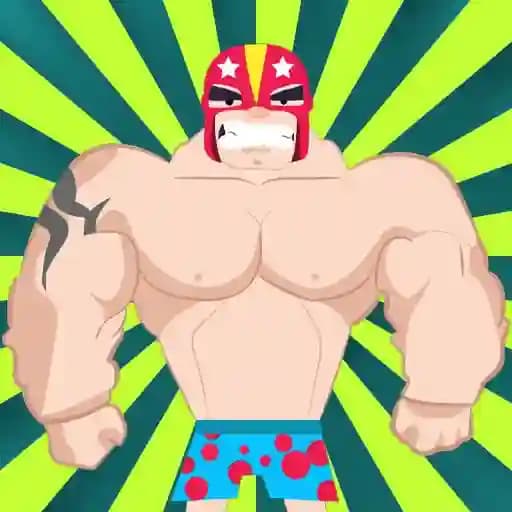
GYM Toss is an arcade-style game where players get to experience the thrill of throwing characters to see how high they can go. Developed by Parrot Games, this casual and fun game offers a simple yet engaging experience that challenges players to test their tossing skills. The game is designed for a broad audience, including kids, teens, and adults, and features a unique blend of physics-based gameplay and light-hearted humor.
Game Features
• Casual and Arcade Gameplay: Perfect for quick, fun sessions.
• Simple Mouse Controls: Easy to pick up and play with just a few clicks.
• Unique Tossing Mechanics: Experiment with different throwing techniques to maximize height.
• Light-hearted and Humorous: Enjoy the quirky animations and sound effects.
• Broad Audience Appeal: Designed for players of all ages and skill levels.
• Physics-Based Action: Realistic motion and bouncing effects add to the fun.
How to Play GYM Toss?
- Use your mouse to click and hold the character.
- Pull back to aim and set the strength of your toss.
- Release the mouse button to launch the character into the air.
- Watch as they soar, bouncing and flipping to reach new heights.
- Score points based on how high you manage to toss your character.
Keyboard Controls (Alternative):
- Use arrow keys or WASD to adjust aim and power.
- Press Z or X (A/B buttons) to confirm and release your throw.
Frequently Asked Questions
What is the goal of GYM Toss?
The goal is to throw the character as high as possible, scoring points based on the height achieved.
Is GYM Toss suitable for all ages?
While the game is simple and fun, it is not explicitly designed for young children and may not be suitable for all ages.
Can I play GYM Toss with a keyboard instead of a mouse?
Yes! You can use arrow keys or WASD for aiming and Z/X keys to control your throw, making it accessible for players who prefer keyboard controls.