
Game Overview
What is Fort Builder?
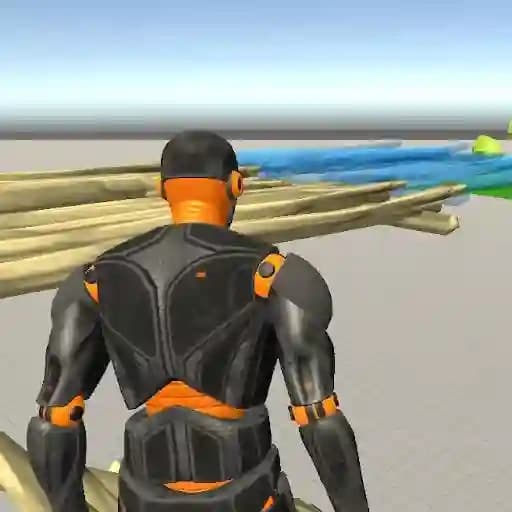
Fort Builder is a simulation game where players can build forts and train with different weapons. The game offers three structure options, various weapons, and projectiles to use, giving players the freedom to use their imagination and construct the most impressive fort. It’s a great way to express creativity and engage in strategic building.
Game Features
• Three structure options to build your fort
• Various weapons and projectiles to train with
• Complete freedom to build using your imagination
• Customizable controls to suit your playstyle
• WASD movement for easy navigation
• Multiple weapon slots to switch between different arms
• Structure-building mechanics to create complex forts
How to Play Fort Builder?
- Use WASD keys to move around the map.
- Press the Right Mouse Button to aim your weapon.
- Click the Left Mouse Button to spawn fort parts or shoot projectiles.
- Press E to cancel building or pick up a weapon.
- Use 1, 2, 3, 4 keys to switch between different weapons.
- Press 5, 6, or 7 keys to build structures.
- Press the Space Bar to jump.
- Use L or Escape to toggle mouse cursor lock.
Frequently Asked Questions
What structure options are available in Fort Builder?
Fort Builder provides three distinct structure options for players to build their forts. These structures can be combined to create unique and complex designs.
Can I switch weapons during gameplay?
Yes, you can switch weapons by using the 1, 2, 3, 4 keys, allowing you to access different arms and projectiles during gameplay.
How do I move around in the game?
You can move using the WASD keys. This allows you to navigate the map freely and position yourself while building your fort or engaging in combat.