
Game Overview
What is City Car Stunt 4?
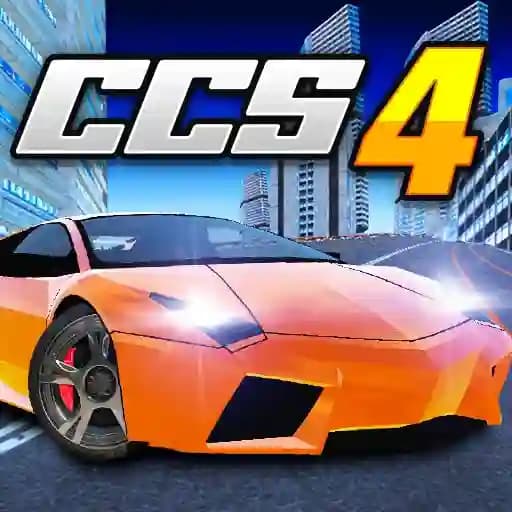
City Car Stunt 4 is the fourth installment in the City Car Stunt series, offering an exciting racing experience with new updates and features. The game features powerful and flashy cars, a huge "Free Driving" map, and challenging races against AI opponents. Players can collect diamonds to unlock new cars, use teleport points to reach hills faster, and discover surprises in bonus boxes. The game also includes 1 Player and 2 Player modes, allowing for both solo and competitive play.
Game Features
• New Cars: Collect diamonds to unlock powerful and stylish vehicles.
• Free Driving Mode: Explore a vast map filled with opportunities for stunts and discoveries.
• Teleport Points: Use blue teleport points to quickly access higher grounds.
• Bonus Boxes: Catch these to unlock surprises and rewards.
• Races Against AI: Participate in challenging races with 12 routes to complete.
• Car Upgrades and Customization: Enhance your car’s performance or change its appearance after each race.
• Multiplayer Mode: Play with a friend in the 2 Player mode.
• 3D Graphics: Enjoy stunning visuals with detailed environments.
How to Play City Car Stunt 4?
-
Player 1 Controls:
- Move: Use the ARROW KEYS (↑, ↓, ←, →).
- Nitro: Press "N" to activate a speed boost.
- Look Back: Press "B" to view behind your car.
-
Player 2 Controls:
- Move: Use the W, A, S, D keys.
- Nitro: Press "T" to activate a speed boost.
- Look Back: Press "C" to view behind your car.
-
Restart Level:
- Press "R" to restart the current level if needed.
-
Objective:
- In races, compete against AI opponents to finish first.
- In Free Driving mode, collect diamonds and explore the map.
Frequently Asked Questions
What is the main objective of City Car Stunt 4?
The main objective is to either complete races by finishing first against AI opponents or explore the Free Driving map to collect diamonds and unlock new cars.
Can I customize or upgrade my car?
Yes, after each race or during Free Driving, you can upgrade your car’s performance or customize its appearance.
How do I activate nitro in the game?
Player 1 can activate nitro using the "N" key, while Player 2 can use the "T" key.