
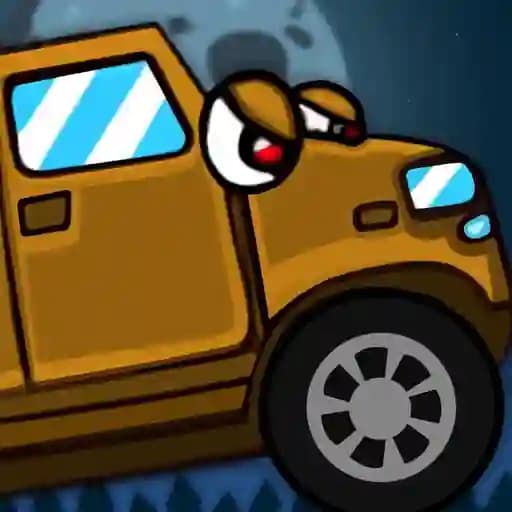
Game Overview
What is Cars vs Zombies?
Cars vs Zombies is a 2D zombie-themed puzzle game where players aim to eliminate all zombies on the screen by strategically moving cars. The game involves touching nearby cars to make them move toward the zombies and stop when necessary, providing a fun and challenging experience.
Game Features
• 2D Puzzle Gameplay: Engage in a zombie-themed puzzle game with a unique twist.
• Car and Zombie Interaction: Use cars to mow down zombies by touching and directing them.
• Relaxing yet Challenging: Enjoy a laid-back experience with progressively difficult levels.
• Intuitive Controls: Control cars with simple mouse or touchscreen inputs.
• Zombie Apocalypse Theme: Immerse yourself in a quirky zombie-infested world.
How to Play Cars vs Zombies?
- Start the Game: Begin by clicking or tapping to initialize the level.
- Identify Cars and Zombies: Locate the cars and zombies on the screen.
- Activate Car Movement: Click or touch a car to make it move towards the zombies.
- Guide Cars to Zombies: Ensure cars move toward and collide with zombies to eliminate them.
- Stop Cars When Needed: Tap or click on moving cars to stop them if necessary to prevent overshooting or unwanted collisions.
- Clear the Level: Continue moving cars until all zombies are eliminated to progress to the next level.
Frequently Asked Questions
What is the main objective of the game?
The main objective is to eliminate all zombies on the screen by guiding cars to collide with them.
How do I control the cars?
Cars can be controlled using mouse clicks or touchscreen taps. Simply touch a car to make it move, and touch it again to stop it if needed.
What happens if I don't stop a car in time?
If you don't stop a car, it will continue moving until it goes off-screen or collides with another object, potentially missing the zombies you aimed for.