
Game Overview
What is Break Bricks 2 Player?
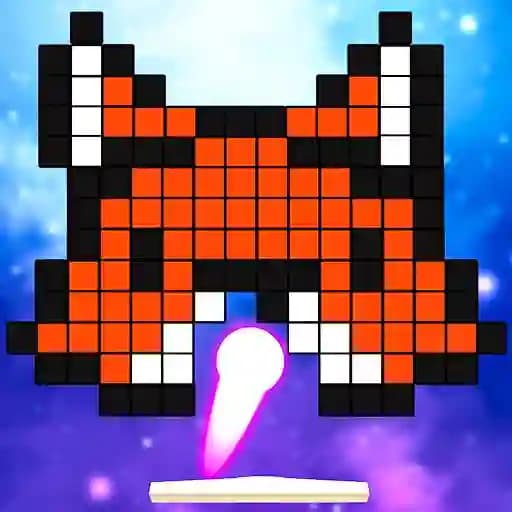
Break Bricks 2 Player is a 3D brick-breaking arcade game where players use a paddle to destroy cubes by bouncing a ball. The game offers both single-player and two-player modes, allowing for competitive fun or solo challenges. Each level features colorful bricks arranged in different shapes, and players can collect bonuses to gain advantages. The game is perfect for quick, fun sessions and endless mode for those who want to keep playing.
Game Features
• Single-player mode: Start with 3 lives and aim to clear all bricks.
• 2-player mode: Compete in 5-round matches against a friend.
• 3 powerful bonuses:
- Increase balls: Get more balls to destroy bricks faster.
- Generate 3 new balls: Add extra balls to the game for a temporary advantage.
- Fill Health Bar: Recover lost health to stay in the game longer.
• Endless mode: Play as long as you want without limits.
• Colorful 3D graphics: Engaging visuals and dynamic brick layouts.
How to Play Break Bricks 2 Player?
- Start the game: Choose either 1-Player or 2-Player mode.
- Control the paddle:
- Player 1 (2-Player mode): Use A and D keys to move the paddle.
- Player 2 (2-Player mode): Use LEFT and RIGHT arrow keys to move the paddle.
- Single-player mode: Use LEFT and RIGHT arrow keys.
- Hit the ball: Timing is key! Hit the ball with your paddle to keep it in play and destroy bricks.
- Collect bonuses: When a bonus drops, position your paddle to catch it and activate its effect.
- Win the round: In 2-Player mode, win by having more points or outlasting your opponent.
Frequently Asked Questions
What is the main goal of the game?
The main goal is to destroy all the bricks using a ball and paddle while collecting bonuses to gain advantages.
How do the bonuses work?
Bonuses appear after hitting certain bricks and provide temporary advantages like extra balls, generating new balls, or refilling health. Catch them with your paddle to activate their effects.
What are the controls for 2-Player mode?
- Player 1 uses A and D keys to move their paddle.
- Player 2 uses LEFT and RIGHT arrow keys to move their paddle.