
Game Overview
What is Zombie Driver?
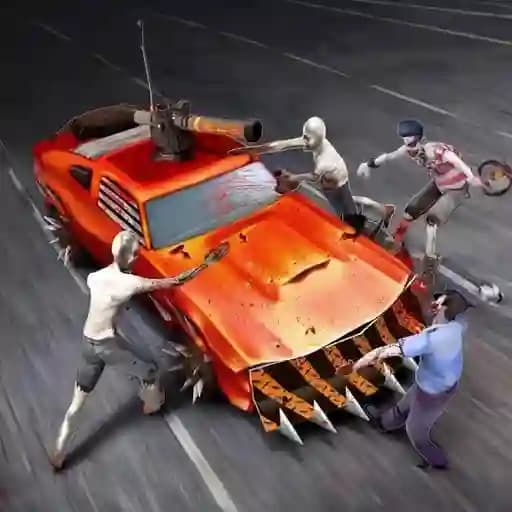
Zombie Driver is a thrilling drift-based car game where players navigate through a zombie-infested world. With multiple cars to choose from, upgrades to enhance your vehicle, and multiple levels to conquer, the game offers a fun and adrenaline-packed experience. Your goal is to kill zombies, gather power-ups, and survive the chaotic streets.
Game Features
• Multiple Cars: Choose from a variety of vehicles to suit your driving style.
• Upgrades: Customize your car by equipping weapons and armor for better zombie-slaying capabilities.
• Car Personalization: Visit the in-game store to buy new car models and upgrade your current ride.
• Multiple Levels: Progress through challenging levels filled with zombies and obstacles.
• Fun Gameplay: Enjoy fast-paced drifting mechanics and intense zombie-killing action.
How to Play Zombie Driver?
- Use WASD keys to control your car's movement.
- Press the Spacebar to activate the handbrake, allowing for sharp turns and drifts.
- Use Left Shift to activate nitro for a speed boost.
- Ram into zombies to clear your path and earn points.
- Collect power-ups scattered throughout the levels to gain advantages.
- Survive each level by avoiding obstacles and eliminating as many zombies as possible.
Frequently Asked Questions
What is the main objective of Zombie Driver?
The main objective is to survive by killing zombies and completing levels while avoiding obstacles.
How do I control the car?
Use WASD to move, Spacebar for the handbrake, and Left Shift for nitro.
Can I upgrade my car?
Yes, you can upgrade your car by adding weapons and armor, and you can also buy new car models from the in-game store.