
Game Overview
What is Wings Rush 2?
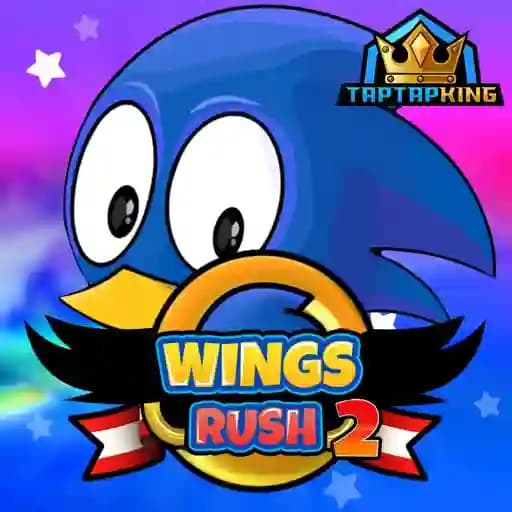
Wings Rush 2 is an exciting runner-style game where you control Birdy, a speedy bird, as he dashes, jumps, and spins through vibrant 2D environments. Your mission is to navigate through three distinct zones—the Green Hill Zone, Marble Zone, and Desert Zone—while collecting as many rings as possible. These rings allow you to unlock new, faster characters and achieve high scores. The game offers a thrilling combination of speed, agility, and strategy, making it a must-play for fans of runner games.
Game Features
- Beautiful 2D Graphics: Explore stunning environments, each with unique obstacles and challenges.
- Multiple Zones: Play across the Green Hill, Marble, and Desert zones, each with its own theme and difficulty.
- Ring Collection: Gather rings to unlock new characters, each with unique speeds and abilities.
- Addictive Gameplay: Experience fast-paced action with precise controls and responsive mechanics.
- Level Completion: Complete levels by avoiding obstacles and overcoming challenges.
How to Play Wings Rush 2?
- Start the Game: Launch Wings Rush 2 and select your character.
- Jump Mechanism:
- On desktop: Click the mouse button to jump. Double-click to perform a higher jump.
- On mobile: Tap the screen to jump. Double-tap for a higher jump.
- Navigate Obstacles: Use your jumping abilities to avoid obstacles and enemies in your path.
- Collect Rings: Gather as many rings as possible to unlock new characters and maximize your score.
- Complete Levels: Reach the end of each level successfully to progress through the game.
- Beat High Scores: Keep playing to improve your skills and achieve the highest scores.
Frequently Asked Questions
What are the main objectives of Wings Rush 2?
The primary goal is to navigate through each level while collecting rings to unlock new characters and achieve the highest scores.
Can I unlock new characters?
Yes! Collect rings scattered throughout the levels to unlock faster and more powerful characters.
How do I control the character?
On desktop, use mouse clicks to jump (double-click for higher jumps). On mobile, tap the screen to jump (double-tap for higher jumps).