
Game Overview
What is Turbo Race 3D?
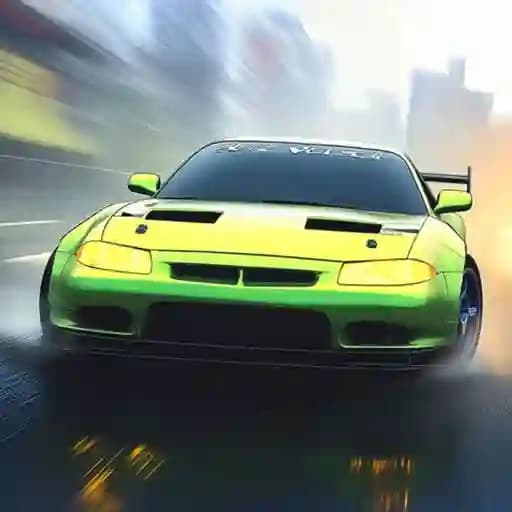
Turbo Race 3D is an intense racing game where you compete to dominate the competition. Upgrade your car’s speed, acceleration, grip, and brakes to outpace opponents. Use shields and boosters to gain an edge, and customize your ride with decals and colors. Race through three exciting worlds—city, desert, and snow—while evading traffic and mastering thrilling highways. Can you prove you’re the ultimate racer?
Game Features
• Car Upgrades: Enhance your vehicle’s speed, acceleration, grip, and brakes for better performance.
• Power-Ups: Utilize shields for temporary invulnerability and nitro for a speed boost.
• Customization: Personalize your car with decals and color options to stand out.
• Diverse Environments: Race across city, desert, and snow landscapes.
• Traffic Evasion: Avoid obstacles and traffic while maintaining top speed.
How to Play Turbo Race 3D?
- Use Arrow Keys:
- Left/Right Arrows: Steer your car to avoid traffic and stay on course.
- Down Arrow: Brake to slow down and navigate tight spaces.
- Activate Shield: Use the shield power-up to become invulnerable and protect yourself from collisions.
- Boost Speed: Press the nitro button (shown in-game) to activate a speed boost and overtake opponents.
- Customize and Upgrade: Regularly upgrade your car’s performance and customize its appearance for a personalized experience.
Frequently Asked Questions
What are the controls for Turbo Race 3D?
The game uses arrow keys for steering and braking. Use left/right arrows to turn and the down arrow to brake.
Can I customize my car?
Yes! You can customize your car with decals and color options to make it unique and visually appealing.
How do I activate the nitro boost?
The nitro boost is activated using a specific in-game button, which will be displayed during gameplay to help you quickly accelerate past opponents.