
Game Overview
What is Riot Escape?
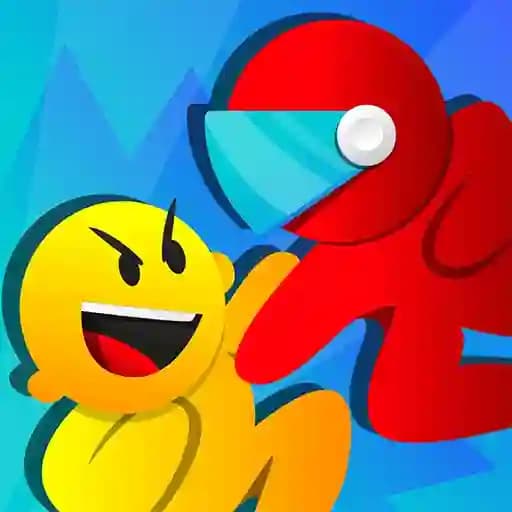
Riot Escape is an escape-themed game where players can choose to play as either a rioter or a cop. The objective is to navigate through obstacles and cops (if playing as a rioter) or stop all rioters (if playing as a cop). The game offers a dynamic experience with intense chases and fast-paced action, ensuring thrilling gameplay for players of all ages.
Game Features
• Two playable roles: Play as a rioter trying to escape or a cop trying to stop the rioters.
• 3D graphics: Immersive visuals with detailed environments and characters.
• Single-player mode: Enjoy the game solo with AI-controlled opponents.
• Simple controls: Use WASD or arrow keys for movement and mouse clicks for interactions.
• Obstacle-filled levels: Navigate through challenging terrain and avoid obstacles to reach the finish line.
• Adrenaline-packed chases: Experience the thrill of evading or pursuing opponents in high-stakes scenarios.
How to Play Riot Escape?
- Choose your role: Decide whether to play as a rioter or a cop at the start of the game.
- Use movement controls:
- WASD keys or arrow keys to move your character.
- Mouse clicks to interact with buttons or objects in the environment.
- Navigate the map:
- As a rioter, avoid cops and obstacles while making your way to the finish line.
- As a cop, chase and stop rioters by any means necessary.
- Complete the objective:
- Rioters must reach the finish line without getting caught.
- Cops must prevent rioters from escaping.
- Repeat and improve: Play multiple rounds to refine your skills and strategies.
Frequently Asked Questions
What is the objective of the game?
The objective depends on your chosen role. As a rioter, your goal is to escape by reaching the finish line, while as a cop, you must stop all rioters from escaping.
Can I play as both a rioter and a cop?
Yes, Riot Escape allows you to switch roles and play as either a rioter or a cop in different rounds for varied gameplay experiences.
What controls do I use to move my character?
You can use either WASD keys or arrow keys to move your character. Use the mouse to click on buttons or interact with objects in the game.