
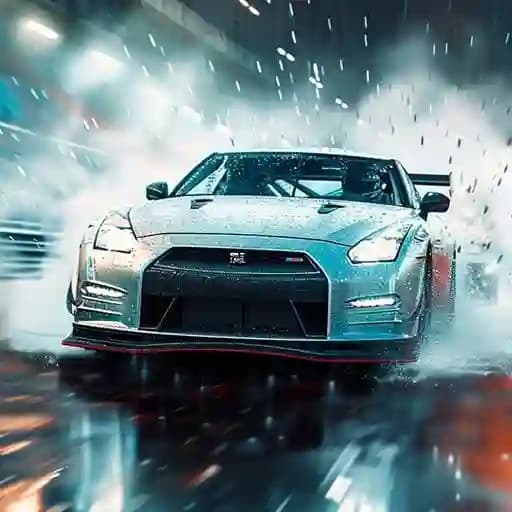
Game Overview
What is Real Racing 3D?
Real Racing 3D is an exciting racing game that immerses players in a thrilling experience behind the wheel. With a focus on classic cars, the game allows players to step on the gas, win championships, and unlock new vehicles. Designed to deliver an authentic racing feel, it combines attractive graphics, a driving soundtrack, and a variety of cars from different eras to create an engaging and competitive atmosphere.
Game Features
• Attractive Graphics and Visual Effects: Stunning visuals and detailed car models.
• Driving Soundtrack: An immersive audio experience that enhances the racing atmosphere.
• Championships with Classic Cars: Compete in races featuring vehicles from different eras.
• Car Customization: Unlock and customize cool cars to stand out on the track.
How to Play Real Racing 3D?
- Start the Game: Launch the game and select your desired mode or championship.
- Use Controls to Drive:
- W, A, S, D: Accelerate, steer left, brake, and steer right.
- Space: Activate drift for sharp turns and speed boosts.
- N: Change camera angles for different perspectives.
- X: Return to the main menu.
- P: Pause the game or exit the current race.
- Win Races: Complete laps and finish first to win championships and unlock new cars.
- Drift and Boost: Use the spacebar to drift around corners and gain speed boosts.
- Customize Your Car: After unlocking new vehicles, customize them to improve performance or aesthetics.
Frequently Asked Questions
What controls do I use to play Real Racing 3D?
- Use W, A, S, D for driving, Space for drifting, N for camera changes, X to return, and P to pause or exit.
How do I unlock new cars?
- Win championships and races to unlock new vehicles.Progressing through the game and earning rewards will give you access to more cars.
Can I customize my car?
- Yes, after unlocking new cars, you can customize them to improve performance or change their appearance.