
Game Overview
What is Real Drift Multiplayer 2?
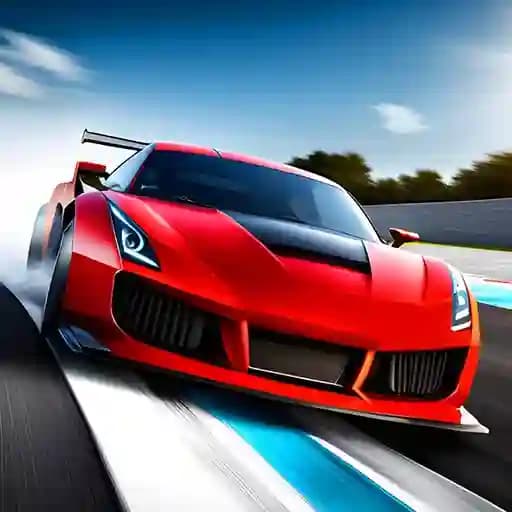
Real Drift Multiplayer 2 is a high-octane racing game developed by Rokito Games, offering a realistic and thrilling drifting experience. As the second installment in the series, it builds on the success of its predecessor with improved features and gameplay. Players can enjoy both single-player and online multiplayer modes, immersing themselves in adrenaline-filled drifting moments. The game also features a Track Builder, allowing players to create and share their own drifting circuits.
Game Features
- Single-Player and Multiplayer Modes: Compete against AI or challenge other players online.
- Track Builder: Design and customize your own drifting tracks.
- Realistic Drifting Physics: Experience authentic drifting mechanics and vehicle handling.
- Customizable Cars: Upgrade and modify your vehicles to enhance performance.
- Multiple Environments: Drift through diverse settings, each with unique challenges.
- Nitro Boost: Use the F key to activate a speed boost for an edge in races.
How to Play Real Drift Multiplayer 2?
- Start by selecting your preferred game mode (single-player or multiplayer).
- Choose your vehicle and customize it to suit your drifting style.
- Use WASD keys or arrow keys to control your car’s movement.
- Press the F key to activate nitro for a temporary speed boost.
- Drift through corners by adjusting your speed and steering angle.
- Score points by performing long and precise drifts.
- In multiplayer mode, compete against other players to achieve the highest drift score.
Frequently Asked Questions
What are the default controls for moving the car?
The default controls for movement are WASD keys or arrow keys.
How do I activate nitro?
Press the F key to activate nitro for a temporary speed boost.
Can I customize my car?
Yes, you can customize and upgrade your vehicle to improve its performance and appearance.