
Game Overview
What is Noob Parkour 3D?
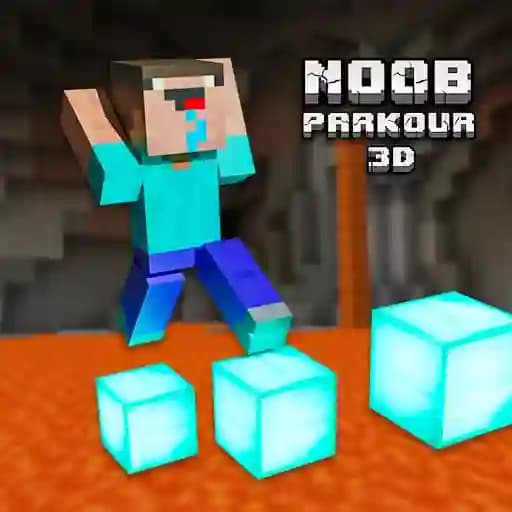
Noob Parkour 3D is an engaging adventure-puzzle game that immerses players in a Minecraft-inspired universe. The game features diverse block types, obstacles, and traps, with each track offering a unique theme. Players can explore different regions of the Minecraft world while using their creativity to complete challenges. The game encourages innovative problem-solving and allows players to create their own paths or use special items by placing blocks strategically.
Game Features
• Diverse block types and obstacle-crossing mechanics
• Unique themed tracks offering varied gameplay experiences
• Obstacle traversal requiring creativity and skill
• Special items that can be activated by placing correct blocks
• Minecraft-inspired universe with distinct regions to explore
• Traps and challenges to test your parkour skills
How to Play Noob Parkour 3D?
- Movement: Use WASD keys or arrow keys to navigate through the environment.
- Jumping: Press the spacebar to jump over obstacles.
- Interacting: Click the left mouse button to interact with blocks or special items.
- Strategy: Use your creativity to find unique paths or activate mechanisms by placing blocks in the correct positions.
Frequently Asked Questions
What platforms is the game available on?
The game is available on PC and is playable through a web browser.
Can I play Noob Parkour 3D if I’m new to parkour games?
Yes! The game is designed to be accessible to new players while still offering challenges for more experienced players.
Is Noob Parkour 3D suitable for all age groups?
Noob Parkour 3D is primarily targeted at teens and may not be suitable for younger players due to its complexity and gameplay mechanics.
How do I remove blocks or reset the game?
To remove blocks, simply left-click on them. The game does not have a direct reset feature, but you can restart levels by navigating through the menu options.