
Game Overview
What is Mini Blocks?
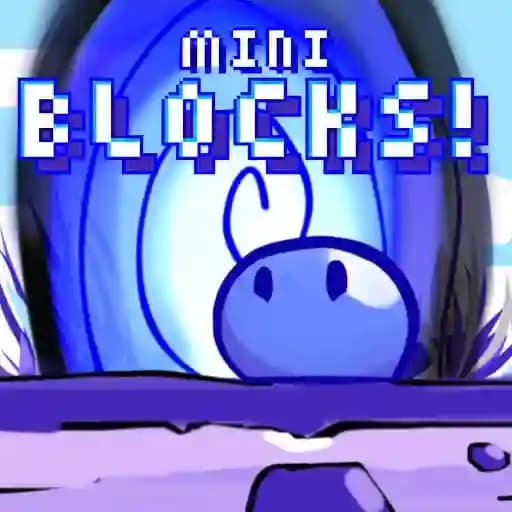
Mini Blocks is a retro-style game where you control a small blob character with the unique ability to turn on or off elements within the level. This power is crucial to navigating through stages and reaching the goal. The game also features a speedrun mode for players who enjoy testing their skills and competing for the fastest completion times.
Game Features
• Retro Pixel Art Style: The game boasts a charming, nostalgic aesthetic with pixel art graphics.
• Element Toggling Mechanics: Switch elements on or off to solve puzzles and progress through levels.
• Speedrun Mode: Challenge yourself to complete stages as quickly as possible.
• Platform-Compatible Controls: Playable on both desktop and mobile devices with optimized controls for each platform.
How to Play Mini Blocks?
- Start the Game: Launch Mini Blocks and begin a new stage.
- Control Your Blob:
- On Desktop: Use C, Up Arrow, or Left Click to jump. Use X, Space, or Right Click to toggle elements.
- On Mobile: Tap Right to jump and Left to toggle elements.
- Toggle Elements: Use your ability to turn elements on or off to overcome obstacles and create pathways.
- Reach the Goal: Navigate through the level using your jumps and toggling skills to reach the exit.
- Complete the Level: Once you’ve successfully reached the goal, progress to the next stage.
Frequently Asked Questions
What is the purpose of toggling elements in Mini Blocks?
The ability to toggle elements allows you to activate or deactivate certain level elements, such as platforms or obstacles, to create a path to the goal.
How do I progress through the levels?
You progress by reaching the goal in each stage. Use your toggling ability and jumping skills to solve puzzles and navigate through the level.
What is Speedrun Mode?
Speedrun Mode challenges players to complete levels as quickly as possible. It’s designed for experienced players who want to test their skills and aim for the fastest completion times.