
Game Overview
What is MathPup Chase Multiplication?
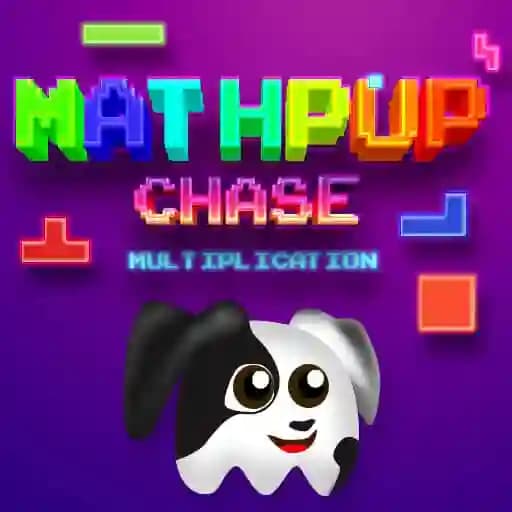
MathPup Chase Multiplication is a student-focused educational game that turns multiplication practice into an exciting adventure. Help MathPup—a brave pup who gets nervous around baths, thunderstorms, dogcatchers, and vacuum cleaners—by solving math problems to chase these fears away. With three adjustable difficulty levels, it’s perfect for learners at any stage to build confidence and speed in multiplication.
Game Features
• Three Skill Levels: Tailor challenges to your ability—Beginner (numbers 1-5), Advanced (numbers 2-10), or Expert (numbers 3-13).
• Kid-Friendly Fun: Designed for all ages with colorful visuals and lighthearted themes, making learning enjoyable.
• Flexible Controls: Play using arrow keys or WASD on keyboards, or tap/drag with touchscreens.
• Core Math Focus: Reinforces multiplication skills through fast-paced problem-solving in dynamic scenarios.
How to Play MathPup Chase Multiplication?
- Choose your difficulty: Pick Beginner, Advanced, or Expert at the start.
- Control MathPup:
- On keyboard: Use arrow keys or WASD to move.
- On touch devices: Use the on-screen directional pad.
- Solve multiplication problems: Chase away fears (like vacuums or thunderstorms) by correctly answering math questions that pop up during gameplay.
- Progress: Keep solving problems quickly to advance and help MathPup overcome all obstacles!
Frequently Asked Questions
What age group is this game best for?
It’s ideal for kids, teens, and adults—anyone looking to sharpen multiplication skills in a playful setting.
What makes the difficulty levels different?
Beginner uses smaller numbers (1-5), Advanced ramps up to 2-10, and Expert challenges you with 3-13 for faster, more complex problems.
How do I control MathPup on different devices?
Desktop/laptop players use keyboard arrows or WASD. Mobile/tablet users tap or drag the on-screen controller for movement.