
Game Overview
What is Master Chess?
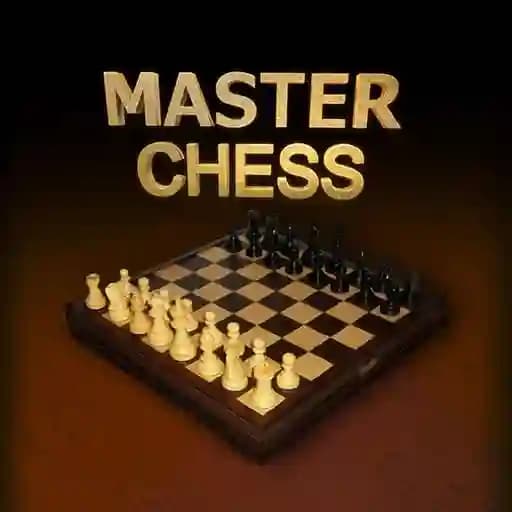
Master Chess is a stylish HTML5 board game that offers a modern take on the classic game of chess. It provides two main game modes:
- Single-player mode: Play against the computer.
- Multiplayer mode: Challenge a friend locally.
The game is designed to be enjoyed by players of all ages and skill levels, from casual players to chess enthusiasts.
Game Features
• Two game modes: Single-player vs. CPU and local multiplayer.
• Classic chess gameplay with standard rules and objectives.
• Simple and intuitive mouse controls for piece selection and movement.
• Clean and sleek visual design.
• Suitable for both kids and adults.
How to Play Master Chess?
- Launch the game: Start by opening Master Chess on your device.
- Select your mode: Choose to play against the computer or challenge a friend locally.
- Make your moves: Use your mouse to select and move your pieces on the board.
- Click on the piece you want to move.
- Valid movement options will be highlighted.
- Click on the destination square to complete the move.
- Win the game: The goal is to checkmate your opponent's king.
- Enjoy the game: Take turns making moves until one player achieves checkmate.
Frequently Asked Questions
1. Can I play Master Chess against a friend online?
No, local multiplayer mode requires both players to be on the same device.
2. What are the system requirements to play Master Chess?
The game is designed to run in modern web browsers, with no specific OS or hardware requirements beyond standard capabilities.
3. Is Master Chess suitable for children?
Yes, the game is kid-friendly and offers a great way to introduce younger players to chess.