
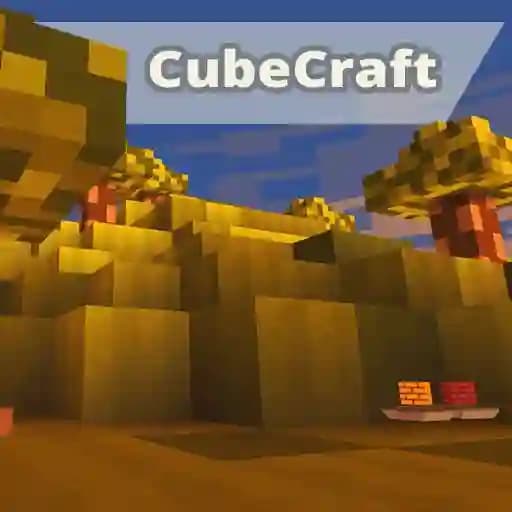
Game Overview
What is KOGAMA CubeCraft?
KOGAMA CubeCraft is a multiplayer game where players can explore a Minecraft-esque world with their friends, letting their imaginations run wild. Developed by KoGaMa, this casual game allows players to build, explore, and interact in a blocky, pixelated environment. It is designed for teens and offers a fun, creative, and social experience.
Game Features
• Multiplayer gameplay with online interaction.
• Minecraft-like pixelated graphics and gameplay.
• Creative building mechanics with cubes.
• Casual and relaxed gameplay experience.
• Custom maps to explore and build on.
• Co-op and competitive modes for varied gameplay.
• Intuitive controls for easy navigation.
• Strong community focus for playing with friends.
How to Play KOGAMA CubeCraft?
- Use W, A, S, D keys to move your character (forward, left, backward, right).
- Press Space to jump and explore higher areas.
- Click the Left Mouse Button to place cubes and build structures.
- Use V to drop your cube gun when needed.
- Press Q to holster your cube gun.
- If your character dies, press K to respawn.
- Access the menu or quit the game by pressing Esc or M.
Frequently Asked Questions
What are the basic movement controls?
Use W, A, S, D keys to move your character in different directions. Press Space to jump.
Can I play KOGAMA CubeCraft with friends?
Yes, KOGAMA CubeCraft is a multiplayer game, allowing you to play and interact with your friends online.
How do I place cubes to build structures?
Click the Left Mouse Button to place cubes in the game world, allowing you to build and create structures.