
Game Overview
What is Helicopter Black Ops 3D?
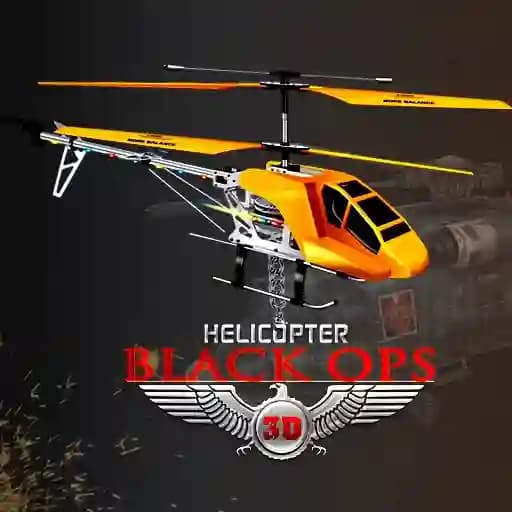
Helicopter Black Ops 3D is an action-packed helicopter combat game where you play as a rogue specialist seeking justice after a mission gone wrong. The game combines stunning 3D graphics, realistic flight controls, and intense military scenarios to deliver an immersive combat experience. Your mission is to clear levels across the globe, attack enemies, and ensure no survivors—all while uncovering the truth behind your cause.
Game Features
- Variety of Enemies: Face off against ships, cargo ships, tanks, anti-air bunkers, rocket launcher-equipped soldiers, and even F-16s.
- Multiple Weapons: Equip and use missiles, bullets, and heat seekers to take down your enemies.
- Customizable Controls: Toggle between mouse-based movement for precision or keyboard controls for fast-paced action.
- Global Missions: Traverse diverse environments and complete objectives in different parts of the world.
- Realistic Flight Simulation: Experience the thrill of piloting a military helicopter with responsive controls.
How to Play Helicopter Black Ops 3D?
- Control Movement: Use W, A, S, D keys to navigate your helicopter in different directions.
- Forward/Backward Movement: Press T to move forward and R to move backward.
- Weapons:
- Use SPACE to launch missiles.
- Press Q to fire bullets.
- Activate E for heat-seeking missiles.
- Toggle Controls: Press F to switch between mouse-based movement and keyboard controls.
- Complete Objectives: Clear all enemies in each level to progress and uncover the truth behind your mission.
Frequently Asked Questions
What is the main objective of the game?
The main objective is to clear all levels, attack enemies, and ensure no survivors while seeking answers for your cause.
What types of enemies will I face?
You will encounter a variety of enemies, including ships, tanks, anti-air bunkers, rocket launcher-equipped soldiers, and F-16s.
Can I customize the controls?
Yes, you can toggle between mouse-based movement and keyboard controls by pressing the F key. This allows you to choose the control scheme that suits your playstyle.