
Game Overview
What is Hatching Nursery Kids Virtual Pet Game?
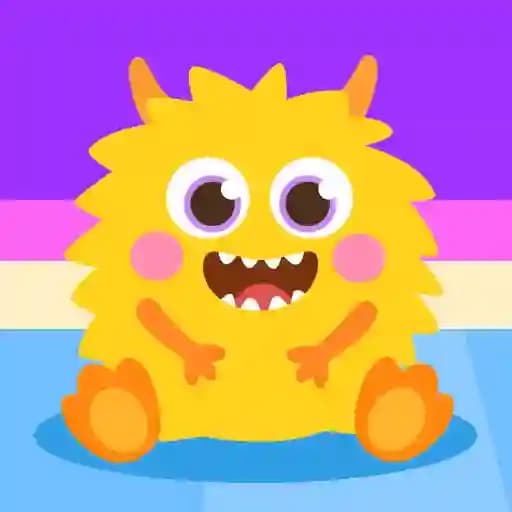
Hatching Nursery Kids Virtual Pet Game is a fun and interactive game designed for kids where players get to hatch and care for adorable creatures. The game begins with a mysterious egg that contains a cute baby animal. Once hatched, players must feed and help their creature grow. The unique twist is that food is earned by playing mini-games, making it a rewarding and engaging experience.
Game Features
- Hatch and Discover: Start with a mysterious egg and hatch it to reveal a cute creature.
- Feed and Grow: Take care of your creature by feeding it regularly.
- Mini-Games for Rewards: Play fun mini-games to earn food and other rewards.
- Progress Tracking: Watch your creature grow and evolve as you care for it.
- Colorful and Cute Graphics: Enjoy vibrant visuals and adorable character designs.
- Educational and Interactive: Combines gameplay with learning through fun activities.
How to Play Hatching Nursery Kids Virtual Pet Game?
- Hatch the Egg: Tap or click on the egg to start the hatching process.
- Feed Your Creature: Once hatched, your creature will need food to grow.
- Play Mini-Games: Engage in fun mini-games to earn food and rewards.
- Care for Your Creature: Regularly provide food and monitor your creature's growth.
- Repeat the Process: Keep hatching eggs and caring for creatures to collect more pets.
Frequently Asked Questions
What is the goal of the game?
The goal is to hatch eggs, care for the creatures, and help them grow by feeding and playing mini-games.
What type of mini-games can I expect?
The mini-games are designed to be fun and educational, such as puzzles, coloring, or matching games, suitable for kids.
Can I play on both mobile and PC?
Yes, the game is designed to work on both mobile devices (with touch controls) and PC (with mouse controls), making it accessible on multiple platforms.