
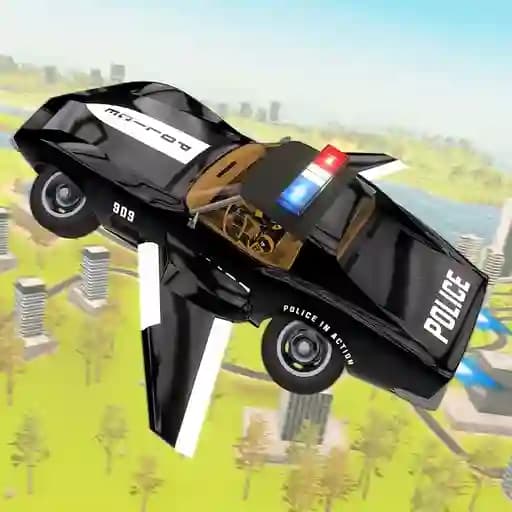
Game Overview
What is Flying Car Game Police Games?
Flying Car Game Police Games is an exciting adventure where you combine high-speed police car racing with the thrill of flying. This unique game blends real flying mechanics with a driving simulator, allowing you to explore a futuristic concept of police cars that can both drive on roads and soar through the skies. With features like flips, big jumps, and dynamic camera angles, this game offers an immersive experience like no other.
Game Features
• Amazing driving controls for drifting and stunts
• Exciting flying mechanics with realistic airplane-like physics
• Soothing background music to enhance gameplay
• Beautiful HD graphics for an immersive experience
• Open-world city environment to explore freely
• Dynamic camera angles for stunning views
• Intuitive flight controls for smooth transitions between flying and driving
• Customizable police cars with flight capabilities
How to Play Flying Car Game Police Games?
- Use W to accelerate and S to move backward.
- Steer left with A and right with D.
- Toggle Cursor Lock/Unlock with C.
- Reset your car position with R.
- Activate Nitro with L for a speed boost.
- Switch between flying and landing using F.
- Pause the game with P or Esc.
- Use the Mouse Left button to fire.
- Activate the police siren with H.
Frequently Asked Questions
How do I switch between flying and driving?
You can toggle flying mode by pressing the F key. This allows your car to take off or land smoothly.
What is the purpose of the Nitro feature?
The Nitro feature (activated with L) gives your car a temporary speed boost, helping you outrun competitors or complete challenges faster.
Can I customize my police car?
Yes, the game offers customization options for your police car, allowing you to modify it for better performance in both flying and driving modes.