
Game Overview
What is Fly Squirrel Fly 2?
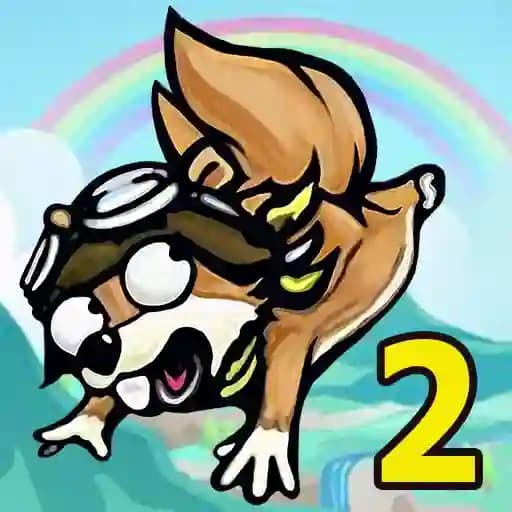
Fly Squirrel Fly 2 is a casual, arcade-style game where you launch a squirrel as far as possible to achieve the greatest distance. The game focuses on upgrading your equipment and using special effects to maximize your squirrel's flight. It’s developed by Flash From The Past and is suitable for players of all ages, offering a fun and simple yet addictive experience.
Game Features
- ** Launch Mechanic**: Propel the squirrel using a catapult-like launcher.
- Upgrade System: Spend collected cash to upgrade your launcher, parachute, and special effects.
- Customization: Enhance nearly every aspect of your squirrel's flight.
- Power-Ups: Utilize special effects to boost your distance.
- Multiple Environments: Fly through diverse landscapes as you progress.
- Replayability: Constantly strive for better distances and upgrades.
How to Play Fly Squirrel Fly 2?
- Launch the Squirrel: Use your mouse or touchscreen to pull back and release the launcher to send the squirrel flying.
- Collect Cash: As the squirrel flies, collect cash scattered in the air to earn upgrades.
- Deploy the Parachute: Activate the parachute to slow down the squirrel’s descent and extend its flight.
- Aim for Distance: Try to fly as far as possible to achieve the best score.
- Upgrade Equipment: Visit the shop to upgrade your launcher, parachute, and special effects using the collected cash.
Frequently Asked Questions
What is the main goal of Fly Squirrel Fly 2?
The main goal is to launch the squirrel as far as possible while collecting cash to upgrade your equipment and improve your flight distance.
What can I upgrade in the game?
You can upgrade your launcher, parachute, and special effects, allowing you to fly farther and collect more cash.
How do I control the squirrel during flight?
Control is primarily through the initial launch and parachute deployment. Use your mouse or touchscreen to aim and release the launcher, then activate the parachute at the right time to extend your flight.