
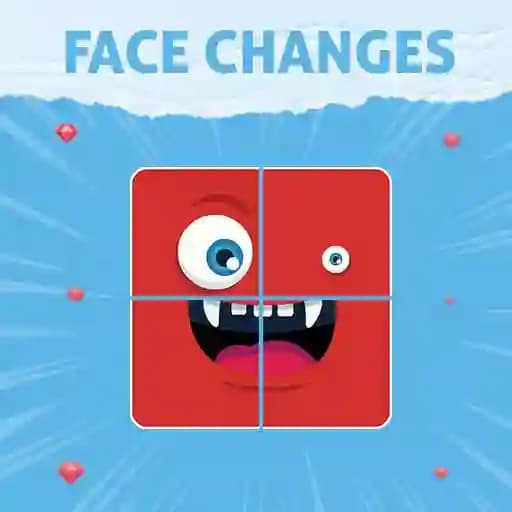
Game Overview
What is Face Changes?
Face Changes is a fun and engaging puzzle game where players must correctly assemble different faces to progress through levels or achieve better results in training mode. Developed by Dmytro Kodrul, this game offers a unique and challenging experience that tests your logic and problem-solving skills. With its simple yet addictive gameplay, Face Changes is perfect for players seeking a brain-stimulating activity.
Game Features
- Sliding Puzzle Mechanic: Arrange face pieces to complete the correct image.
- Multiple Face Components: Mix and match eyes, noses, mouths, and other facial features.
- Customizable Difficulty: Start with simpler puzzles and progress to more complex ones.
- High-Quality Imagery: Enjoy sharp and vibrant visuals for an immersive experience.
- Training Mode: Practice and improve your skills without time constraints or level progression.
- Progressive Difficulty: Challenges increase as you advance, keeping the game exciting and engaging.
How to Play Face Changes?
- Start the Game: Launch Face Changes and select your preferred mode (Level Mode or Training Mode).
- Interact with the Face: Use left mouse clicks (PC) or touch the screen (mobile) to select and move face parts.
- Rearrange the Pieces: Click or tap on a face section to change its position and try to form a complete face.
- Complete the Puzzle: Continue rearranging the pieces until the face is correctly assembled.
- Progress Through Levels: Completing puzzles will advance you to the next level or improve your score in training mode.
Frequently Asked Questions
What type of devices can Face Changes be played on?
Face Changes is available for both PC and mobile devices, ensuring you can play anywhere, anytime.
How do I move the face pieces?
On PC, use your left mouse button to click and drag face sections. On mobile, simply touch and drag the pieces to reposition them.
Can I play without an internet connection?
Yes, once the game is loaded, it can be played offline, making it a great option for on-the-go gaming.
What happens if I get stuck on a puzzle?
Don’t worry! Take your time to experiment with different combinations, or switch to training mode to practice without pressure.
How do I achieve a high score?
Focus on completing puzzles quickly and accurately. The faster you solve each face, the higher your score will be.