
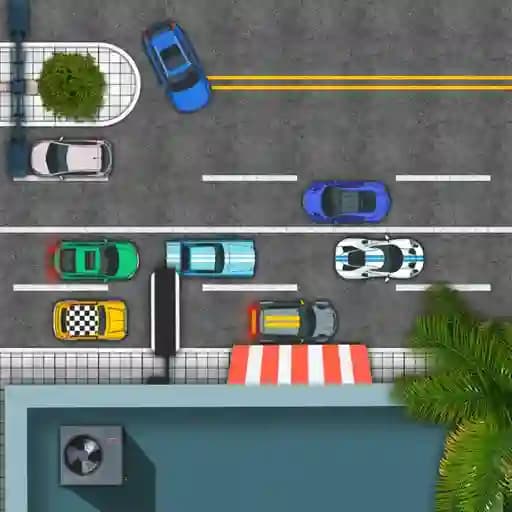
Game Overview
What is City Parking 2D?
City Parking 2D is a fun and engaging 2D parking simulation game developed by JulGames. It offers a great car parking experience with amazing graphics and many challenging levels, each providing a unique and exciting experience. Perfect for fans of driving and precision games, City Parking 2D is designed to test your parking skills in a variety of urban environments.
Game Features
- 20 challenging levels with increasing difficulty
- Amazing 2D graphics for a visually appealing experience
- Unique environments to test your parking skills
- Simple controls using WASD or arrow keys
How to Play City Parking 2D?
- Launch the game: Start by opening City Parking 2D in your browser or mobile device.
- Use controls: Utilize WASD keys (or arrow keys) to move your car.
- W/Up Arrow: Move forward
- S/Down Arrow: Move backward
- A/Left Arrow: Turn left
- D/Right Arrow: Turn right
- Park accurately: Navigate your car into the designated parking spot.
- Complete levels: Progress through each level by successfully parking in the required space.
- Face challenges: As levels increase, obstacles and tighter spaces will test your precision and driving skills.
Frequently Asked Questions
What makes City Parking 2D unique?
City Parking 2D stands out with its 20 challenging levels, each offering a unique parking scenario, and its smooth 2D graphics, making it a visually appealing and engaging experience.
Is City Parking 2D difficult to play?
The game starts with simpler levels but gradually becomes more challenging. Players will need to refine their parking skills to progress through tougher stages.
Can City Parking 2D be played on mobile devices?
Yes, City Parking 2D is mobile-ready and can be played on both iOS and Android devices, making it accessible on-the-go.