
Game Overview
What is Bus Parking Simulator 3D?
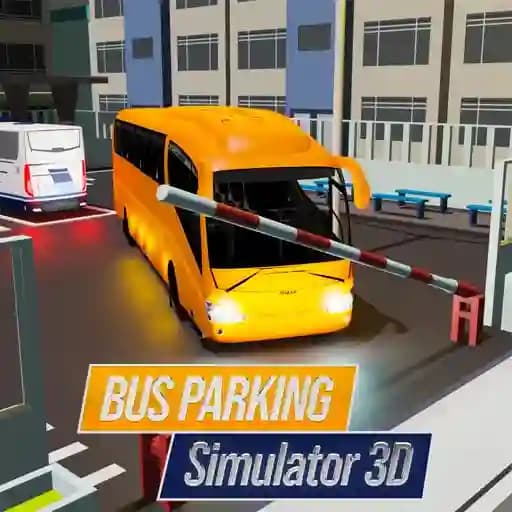
Bus Parking Simulator 3D is a realistic simulation game that puts players in the role of a bus driver, challenging them to park their vehicle in various environments. With 3D graphics and a realistic physics engine, the game offers an immersive experience where players must navigate wide parking lots, narrow streets, and obstacle-filled areas. It’s designed to test and improve your driving and parking skills, giving you the feeling of being a real bus driver.
Game Features
• 3D Graphics: Enjoy detailed visuals and realistic environments.
• Realistic Physics: Experience authentic vehicle behavior and movement.
• Multiple Parking Scenarios: Park in wide lots, narrow streets, andcomplex areas with obstacles.
• Different Camera Angles: Switch views to get the best perspective for parking.
• Realistic Controls: Use keyboard inputs to drive, brake, and maneuver.
How to Play Bus Parking Simulator 3D?
- Use WASD keys or Arrow Keys to control the bus's movement.
- Press Spacebar to activate the handbrake for precise stopping.
- Switch between camera angles using the V key to optimize your view.
- Pause the game anytime by pressing the Tab key.
Frequently Asked Questions
What are the controls for driving the bus?
The controls are WASD keys or Arrow Keys for movement, Spacebar for the handbrake, V for changing camera angles, and Tab to pause the game.
How do I switch camera angles?
You can switch camera angles by pressing the V key, which helps in navigating tight spaces and aligning your bus for parking.
What makes Bus Parking Simulator 3D challenging?
The game challenges players with narrow spaces, obstacles, and time constraints, requiring precise driving and braking skills to park successfully.