
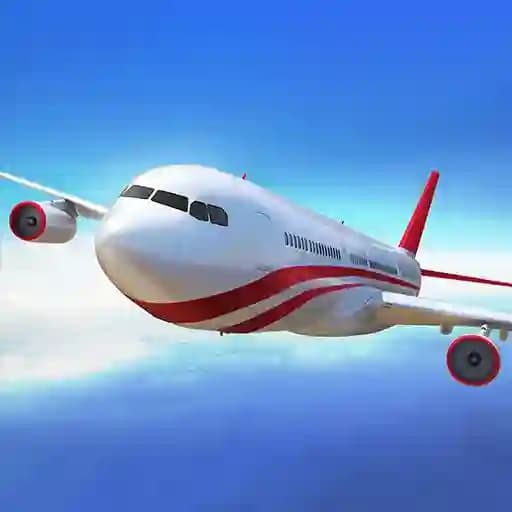
Game Overview
What is Boeing Flight Simulator 3D?
Boeing Flight Simulator 3D is an engaging flight simulation game designed to provide a realistic experience of piloting a Boeing aircraft. Players take on the role of a pilot, learning to navigate an airplane from takeoff to landing safely. The game offers a realistic and immersive experience, making it perfect for aviation enthusiasts and casual gamers alike.
Game Features
• Realistic Flight Simulation: Experience the thrill of flying a Boeing aircraft with authentic controls and mechanisms.
• Multiple Controls: Use keyboard arrows for basic flight controls and mouse interactions for additional options like acceleration and chassis management.
• 3D Graphics: Enjoy high-quality 3D visuals that enhance the immersion of the flight experience.
• Various Scenarios: Practice takeoffs, landings, and cruising at different altitudes.
• Customizable Options: Adjust settings like acceleration and chassis to refine your flight strategy.
How to Play Boeing Flight Simulator 3D?
- Use the arrow keys on your keyboard to control the plane's movement.
- Up Arrow: Increase altitude or speed.
- Down Arrow: Decrease altitude or slow down.
- Left Arrow: Turn the plane to the left.
- Right Arrow: Turn the plane to the right.
- Utilize the mouse for additional functions:
- Click and drag to adjust the plane's acceleration.
- Use mouse interactions to release or close the chassis (landing gear).
- Focus on maintaining steady controls during takeoff and landing to ensure safety.
- Practice flying at different altitudes and scenarios to improve your piloting skills.
Frequently Asked Questions
How do I accelerate in the game?
To accelerate, use the Up Arrow key or adjust the throttle using mouse interactions.
Can I customize the controls?
Yes, the game allows you to use mouse interactions for additional options like acceleration and chassis management.
Is the game suitable for children?
The game is primarily designed for adults, but it can be played by older children with supervision.
How do I land the plane safely?
To land safely, reduce your altitude gradually using the Down Arrow key, ensure the chassis is extended (using mouse interactions), and maintain a steady approach.