
Game Overview
What is Baby Hazel Halloween Night?
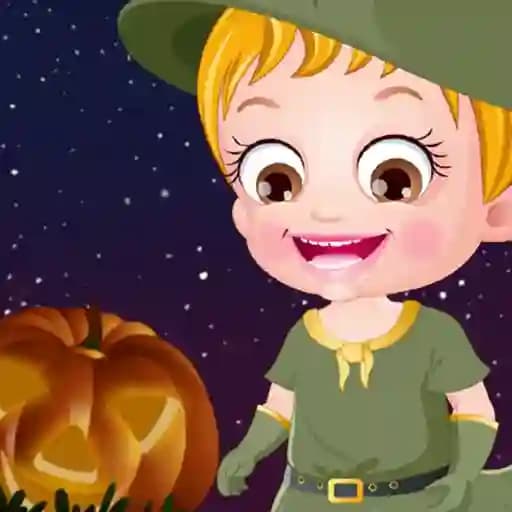
Baby Hazel Halloween Night is a fun and interactive game where players get to celebrate Halloween with Baby Hazel and her friends. The game is filled with Halloween-themed activities such as trick-or-treating, dancing to spooky music, and visiting the Halloween Food Hub for a tasty feast. It's a great way for kids to enjoy the spooky season in a safe and entertaining environment.
Game Features
- Halloween-themed fun: Explore a variety of Halloween activities and games.
- Interactive gameplay: Engage with Baby Hazel and her friends in different scenarios.
- Trick-or-treating: Go door-to-door collecting treats and surprises.
- Dancing: Groove to rocking Halloween music with friends.
- Food Hub: Enjoy delicious Halloween-themed food and drinks.
- Kid-friendly: Designed with children in mind, featuring colorful and cheerful graphics.
- Multiple mini-games: Participate in various fun-packed games and activities.
How to Play Baby Hazel Halloween Night?
- Interact with the game: Use your mouse to interact with Baby Hazel and other characters.
- Choose an activity: Select from different Halloween activities such as trick-or-treating, dancing, or visiting the Food Hub.
- Complete tasks: Follow the on-screen instructions to complete each activity. For example, knock on doors for treats during trick-or-treating or dance to the music.
- Collect points: Earn points by successfully completing each activity.
- Enjoy rewards: Use the collected points to unlock special rewards or treats for Baby Hazel.
- Explore and have fun: Keep exploring and participating in different activities to make the most out of your Halloween night with Baby Hazel.
Frequently Asked Questions
What is the main objective of the game?
The main objective is to celebrate Halloween by participating in various fun-packed activities with Baby Hazel and her friends.
Is the game suitable for young children?
Yes, the game is designed with kids in mind and features colorful, cheerful graphics and safe, family-friendly content.
How do you control the game?
The game is controlled using a mouse. Simply click and interact with the characters and objects on the screen to progress through the activities.