
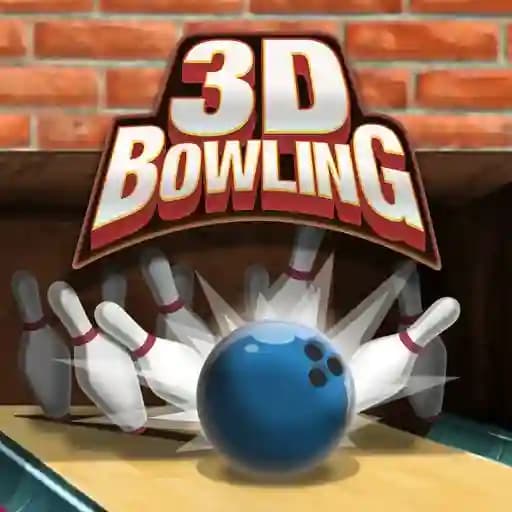
Game Overview
What is 3D Bowling?
3D Bowling Classic is the ultimate bowling experience, offering an addictive 3D sports game where players aim to knock down all pins to win. The game allows you to train your skills, play solo, challenge a friend on the same device, or compete against the computer in three difficulty modes. It’s a fun and competitive game that determines who will be the bowling alley’s champion!
Game Features
• 3D Graphics: Experience the game in immersive 3D, making it feel like you're at a real bowling alley.
• Multiple Play Modes: Choose from solo play, multiplayer on the same device, or challenging the computer.
• Difficulty Levels: Test your skills against three different computer difficulty modes.
• Spin Mechanics: Add spin to your throws to increase your chances of getting a strike.
• Family-Friendly: Suitable for players of all ages, including teens, young adults, and adults.
How to Play 3D Bowling?
- Start the Game: Begin by initiating a new game, selecting your preferred mode (solo, multiplayer, or vs. computer).
- Throw the Ball: Take your turn to throw the ball down the lane.
- Add Spin: Swipe your finger on the screen to add spin to the ball, which can help you aim for the perfect strike.
- Knock Down Pins: Score as many strikes as possible by knocking down all pins.
- Keep Playing: Continue playing to improve your score and challenge others to beat your high score.
Frequently Asked Questions
What is the objective of 3D Bowling?
The objective is to score as many strikes as possible by knocking down all pins with each throw.
Can I play 3D Bowling with a friend?
Yes! You can play against a friend on the same device, making it a fun multiplayer experience.
How do I add spin to the ball?
To add spin, simply swipe your finger on the screen in the direction you want the ball to spin after releasing it. This can help you aim more accurately and increase your chances of getting a strike.